
No special file or setup guarantees your business a place in AI answers. OpenAI says ChatGPT ranks search results using multiple factors and "placement is not guaranteed" (OpenAI Help). Google says "there are no additional requirements to appear in AI Overviews or AI Mode, nor other special optimizations necessary" (Google Search Central). AI Overviews are the summaries Google writes with generative AI for some searches, with links to the pages that support them.
What both companies do describe is the basics: let the programs that read websites for them into your site, and keep your business information complete and current. A site that blocks the wrong one can be left out of ChatGPT search answers. Here is what each company says, and what to check on your own site.
How to rank on ChatGPT
ChatGPT finds websites with a program that reads them, called OAI-SearchBot. Your site has a small settings file, robots.txt, that tells programs like this one whether they may read it. Your host or CDN (the service that delivers your site to visitors) can also let it in or turn it away.
OpenAI lists two things that make a website eligible to appear in ChatGPT search (OpenAI Help):
- Allow OAI-SearchBot to read your site.
- Make sure your host or CDN lets in traffic from the addresses OpenAI publishes for OAI-SearchBot.
"Sites that are opted out of OAI-SearchBot will not be shown in ChatGPT search answers," though OpenAI says they can still appear as navigational links (OpenAI crawler docs). OpenAI recommends allowing OAI-SearchBot in your robots.txt file, and a change to robots.txt takes about 24 hours to take effect (source).
Ask whoever runs your website to check your robots.txt file and your host or CDN settings and confirm OAI-SearchBot is allowed.
Which OpenAI crawler does what
OpenAI runs several of these programs, and "each setting is independent of the others." You can allow OAI-SearchBot and block GPTBot, for example (OpenAI crawler docs).
| Program | What OpenAI says it does |
|---|---|
| OAI-SearchBot | Surfaces websites in ChatGPT's search features. Opting out keeps your site out of ChatGPT search answers. |
| GPTBot | Reads content that may be used to train OpenAI's foundation models. Blocking it means your content should not be used for training. |
| ChatGPT-User | Handles visits a user starts. Robots.txt "may not apply," and it "is not used to determine whether content may appear in Search." |
| OAI-AdsBot | Checks landing pages submitted as ChatGPT ads. Its data is not used to train foundation models. |
How ChatGPT answers local questions
ChatGPT may use your customer's approximate location, taken from their IP address, for local results. A "near me" question may be rewritten with the city; OpenAI's own example is "top restaurants San Francisco." ChatGPT may also share location with third-party providers "such as nearby business listings or weather reports" (OpenAI Help).
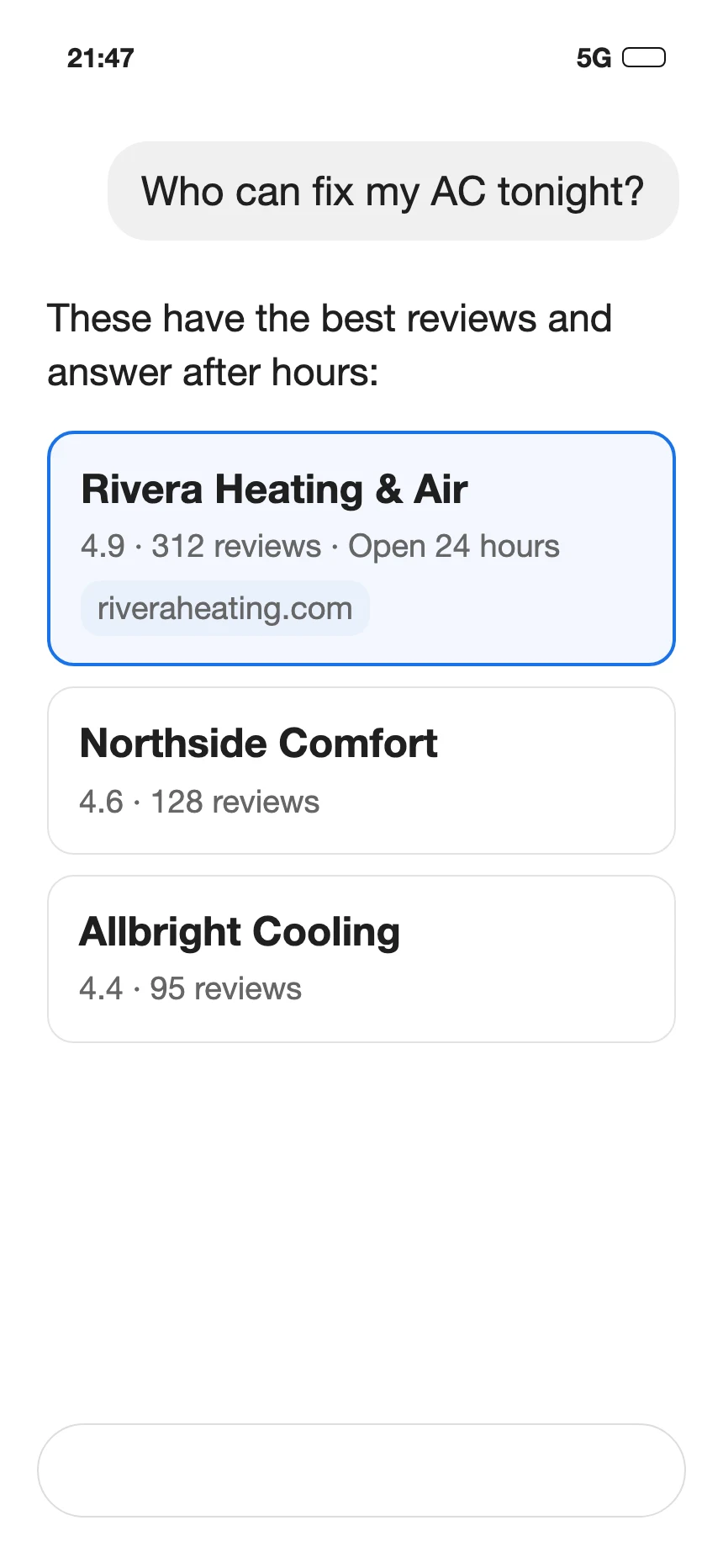
ChatGPT search sometimes works with other search providers: it rewrites the user's question into targeted searches and sends them to those providers. Those providers include Microsoft and Shopify, whose privacy policies OpenAI's page links. For restaurant reservations, ChatGPT shows availability from OpenTable, Resy or Yelp (Resy in the US only; Yelp in the US and Canada) (source).
OpenAI also says results and citations "can be incomplete, outdated, or incorrect" (source).
How to get ranked in AI Overview
To appear as a supporting link in Google's AI Overviews or AI Mode, your page has to already show up in normal Google results with the preview text under its title. Google says "there are no additional technical requirements" (Google Search Central).
Google's list of fundamentals (source):
- Let Google read your site, in your robots.txt file, your CDN and your host.
- Link your pages to each other.
- Give visitors a good page experience.
- Put your important content in text.
- Use quality images and video.
- Keep your Business Profile information current (and your Merchant Center information, if you sell products).
If your Business Profile isn't verified or complete, start there; our guide to Google Business Profile verification walks through it.
Do I need an llms.txt file or special schema?
For Google, no. "You don't need to create new machine readable files, AI text files, or markup to appear in these features," and "there's also no special schema.org structured data that you need to add." If you do use structured data, it should match the text visitors see on the page (Google Search Central).
llms.txt is a proposed file that would sit at /llms.txt on your site. Its own site calls it "a proposal to standardise on using an /llms.txt file," written by Jeremy Howard and published on September 3, 2024. It is open for community input and claims no standards-body status (llmstxt.org).
For regular Google Search, your web person can add a hidden block of code to your site that lists your business name, address, hours and phone in a format Google reads. Google lets you test it with its Rich Results Test, and it does not guarantee the details will be displayed (Google Search Central).
Why did my Google AI Overview disappear?
Google shows AI Overviews when its systems determine generative AI can be especially helpful for that search. Its help page does not list the conditions under which they are left out (Google Search Help).
To see whether AI Overviews and AI Mode send you visitors, open the Performance report in Google Search Console, Google's tool for website owners. That traffic is counted under the search type called "Web" (Google Search Central).
How to get rid of AI in search engines
Searchers can't turn AI Overviews off. After you search on Google, you can select the Web filter, and Google shows text links only (Google Search Help).
As a site owner, you have settings that limit how much of your page Google may show as a preview, or keep the page out of Google entirely, and they apply to these AI features too (Google Search Central). Ask your web person to make sure none of them is set on a page you want customers to find.
What is the difference between Google Gemini and Google AI Search?
They have separate controls. Google-Extended is a line in your robots.txt file that decides whether Google may use your content to train its Gemini models and to answer questions in the Gemini apps. "Google-Extended does not impact a site's inclusion in Google Search" (Google Search Central).
What waiting costs you
If your site blocks OAI-SearchBot today, OpenAI says it "will not be shown in ChatGPT search answers" (OpenAI crawler docs). If the block is in your robots.txt file, OpenAI says a change there takes about 24 hours to take effect (source).